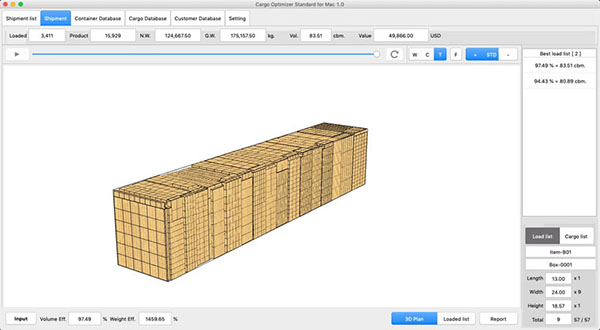
Cargo Optimizer for MacOS
You have found the first container/truck/pallet loading application for MacOS.
Simulate loading of your cargos in minutes, not hours or days !

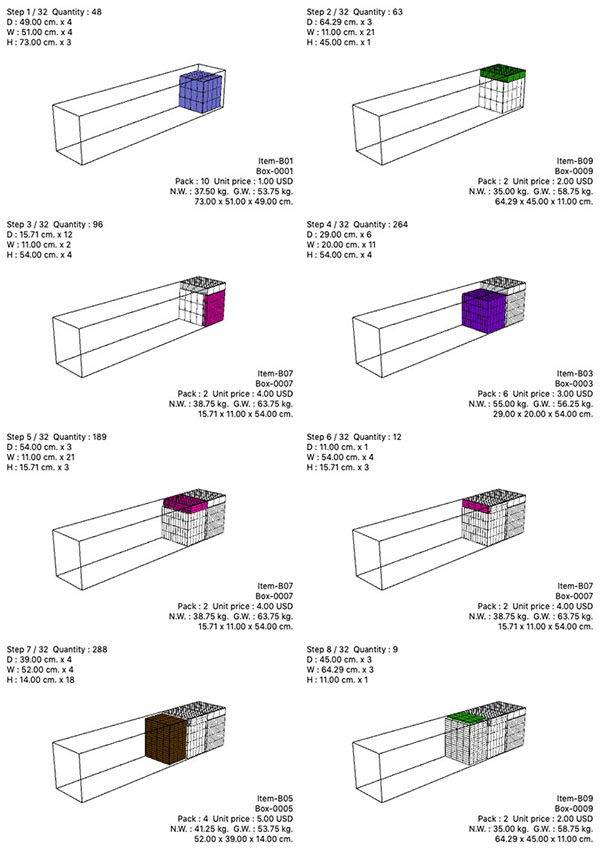
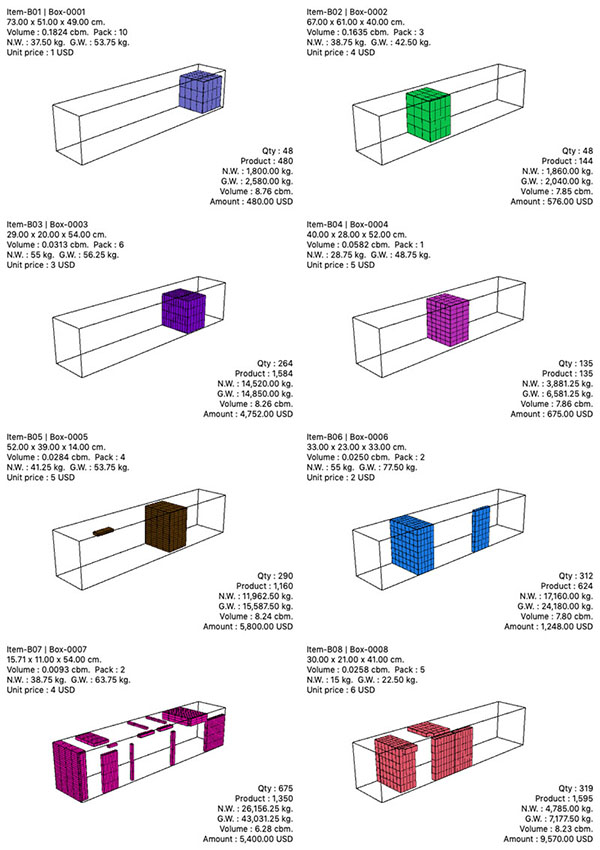
Maximize your shippingwith boxes and container/truck/pallet and save money and time. Lower shipping costs per unit by loading more quantity Save load/unload time and spend by using load patterns Eliminate unnecessary waste of fuel (save fuel) Make more profit by loading more cargo Protect fragile cargo with limit orientation and placement Keep customer relation good with rapid and accurate response to their enquiries |
||||||||||||||||||||||||||||||||||||||||||||||||||||||||||||||||||||||||
General information | ||||||||||||||||||||||||||||||||||||||||||||||||||||||||||||||||||||||||
| ||||||||||||||||||||||||||||||||||||||||||||||||||||||||||||||||||||||||
| Top | ||||||||||||||||||||||||||||||||||||||||||||||||||||||||||||||||||||||||
Cargo Database | ||||||||||||||||||||||||||||||||||||||||||||||||||||||||||||||||||||||||
| ||||||||||||||||||||||||||||||||||||||||||||||||||||||||||||||||||||||||
| ||||||||||||||||||||||||||||||||||||||||||||||||||||||||||||||||||||||||
| Top | ||||||||||||||||||||||||||||||||||||||||||||||||||||||||||||||||||||||||
Container/Pallet database | ||||||||||||||||||||||||||||||||||||||||||||||||||||||||||||||||||||||||
| ||||||||||||||||||||||||||||||||||||||||||||||||||||||||||||||||||||||||
| ||||||||||||||||||||||||||||||||||||||||||||||||||||||||||||||||||||||||
| ||||||||||||||||||||||||||||||||||||||||||||||||||||||||||||||||||||||||
| Top | ||||||||||||||||||||||||||||||||||||||||||||||||||||||||||||||||||||||||
Input specification (Shipment) | ||||||||||||||||||||||||||||||||||||||||||||||||||||||||||||||||||||||||
| ||||||||||||||||||||||||||||||||||||||||||||||||||||||||||||||||||||||||
|